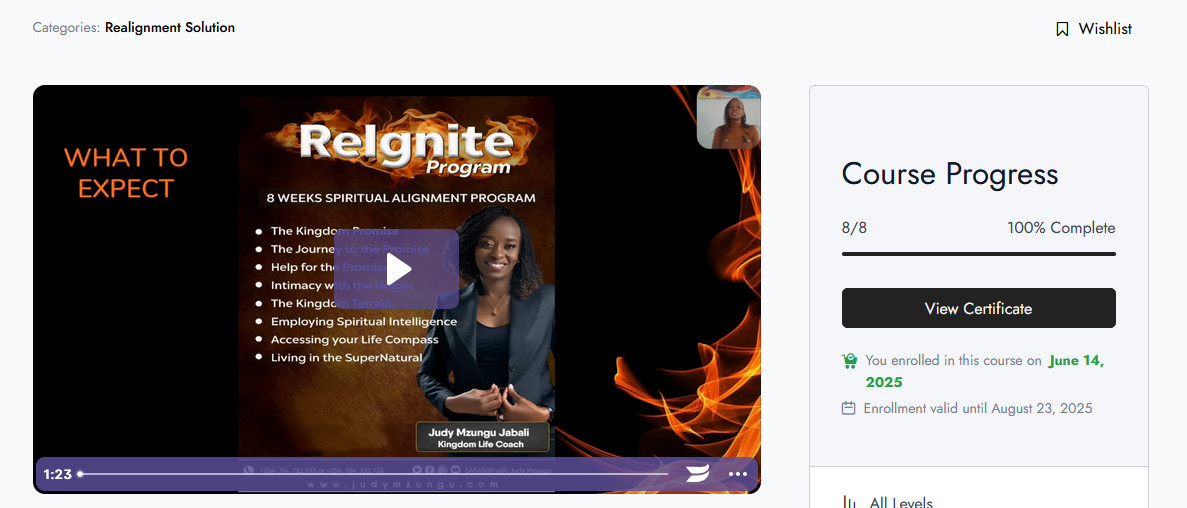
Congratulations on completing Module 1 of the ReAlignment Solution©!
To help you navigate on this virtual learning platform, here are a few steps to guide you along:
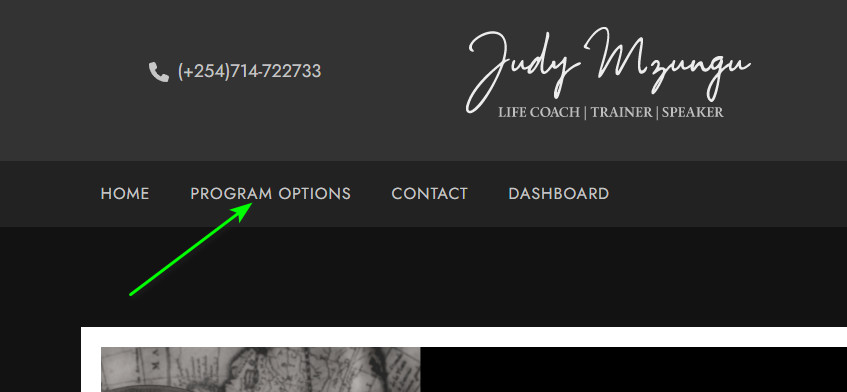
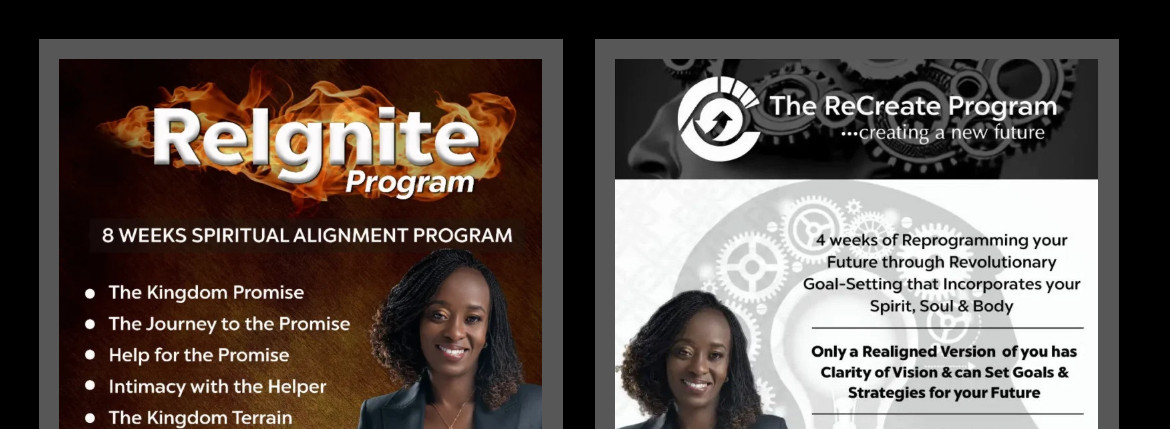

The course landing page will give you an overview of the course and what it entails. Click on the Start Learning button to access the course.
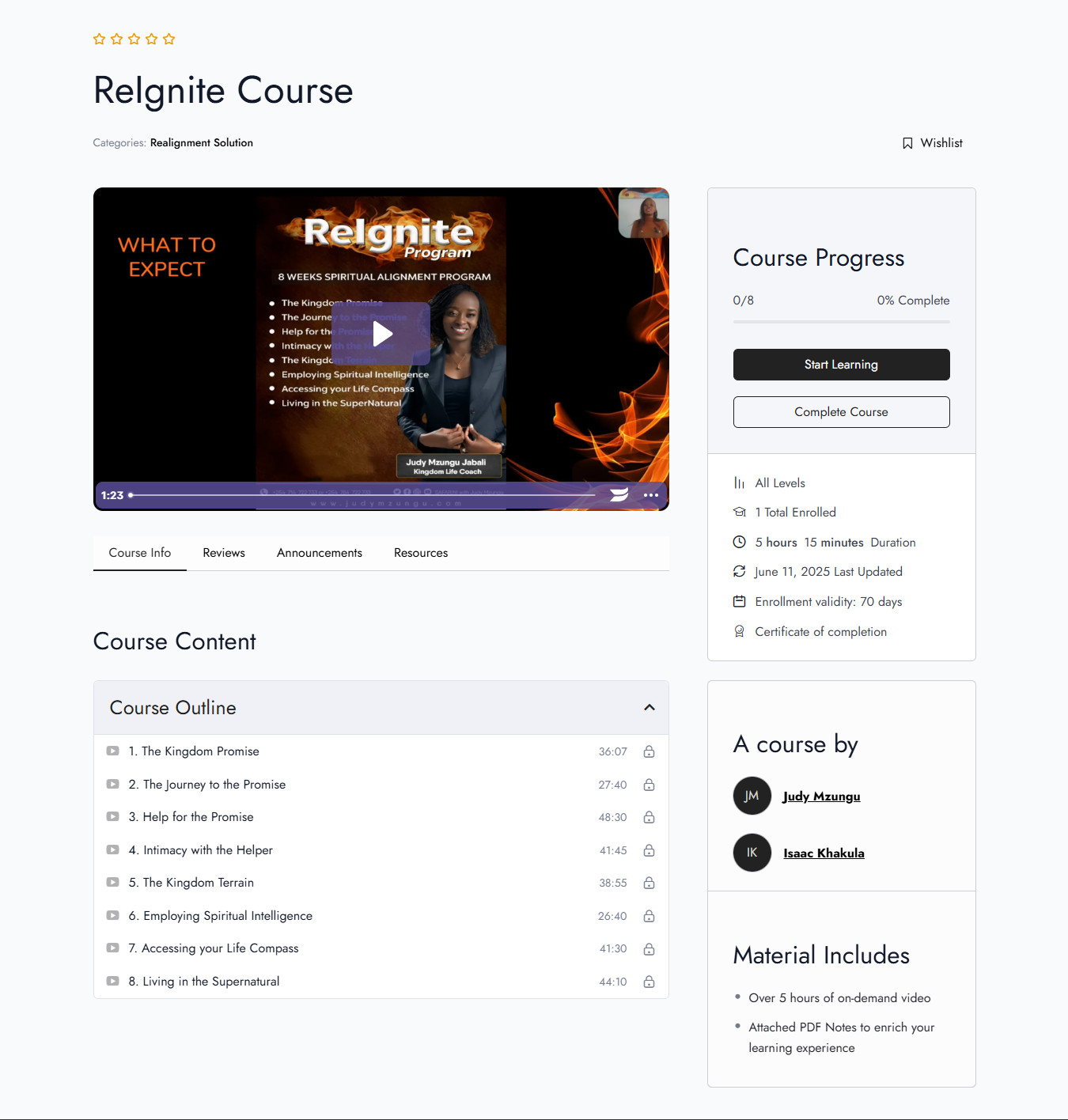
On this page, you will see the video for each session; click the Play button to begin learning.
You may download the learning material for each session by clicking Exercise Files.
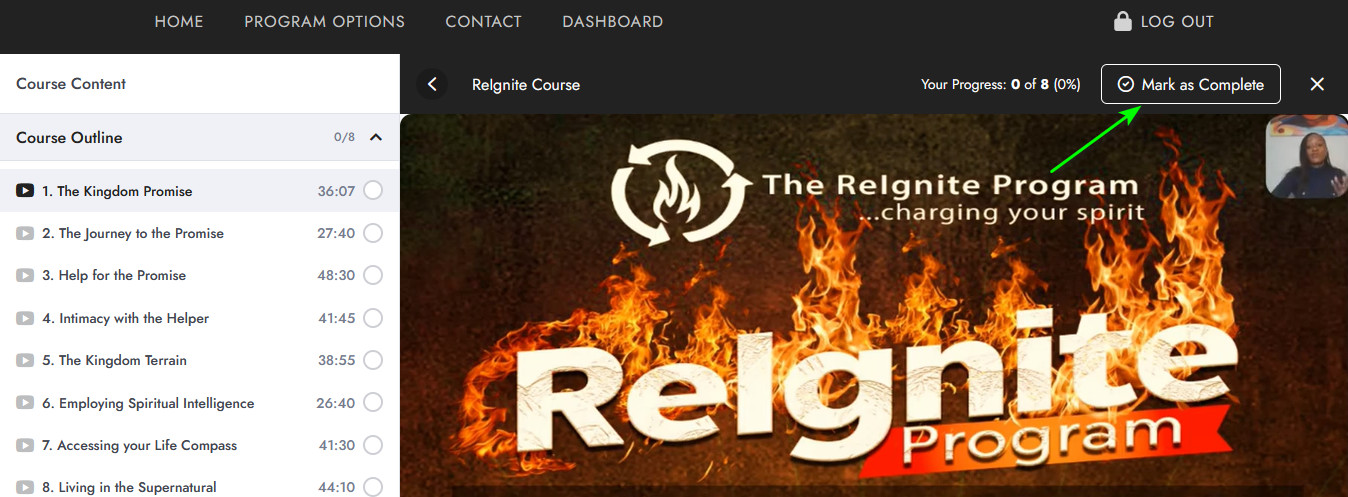
On the top right section of your screen, you'll be able to see your progress as you proceed with the learning. When you are done learning each lesson, be sure to click on the "Mark Complete" button. To get the most out of the course, please complete each lesson before proceeding to the next.
You can pause the lesson player, rewind the course progress bar within the purple player in case you need clarification on a particular section, and so on.
Suppose you're happy learning one lesson per session; then you can always log out and proceed the next time. The system records your progress, so you can always carry on from where you left off.
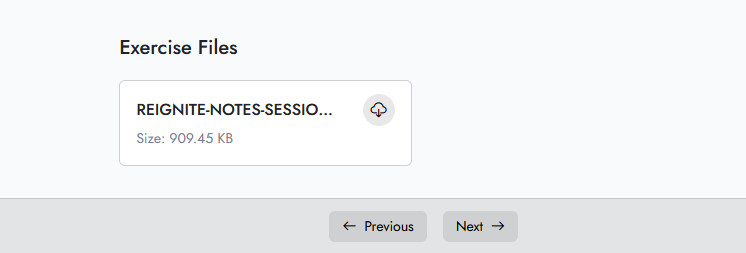
Upon completing each session, click the NEXT button and then proceed to the next session./p>
Once you complete the Program, the system will generate your Certificate.
You may Download your Certificate from the Dashboard Page.